
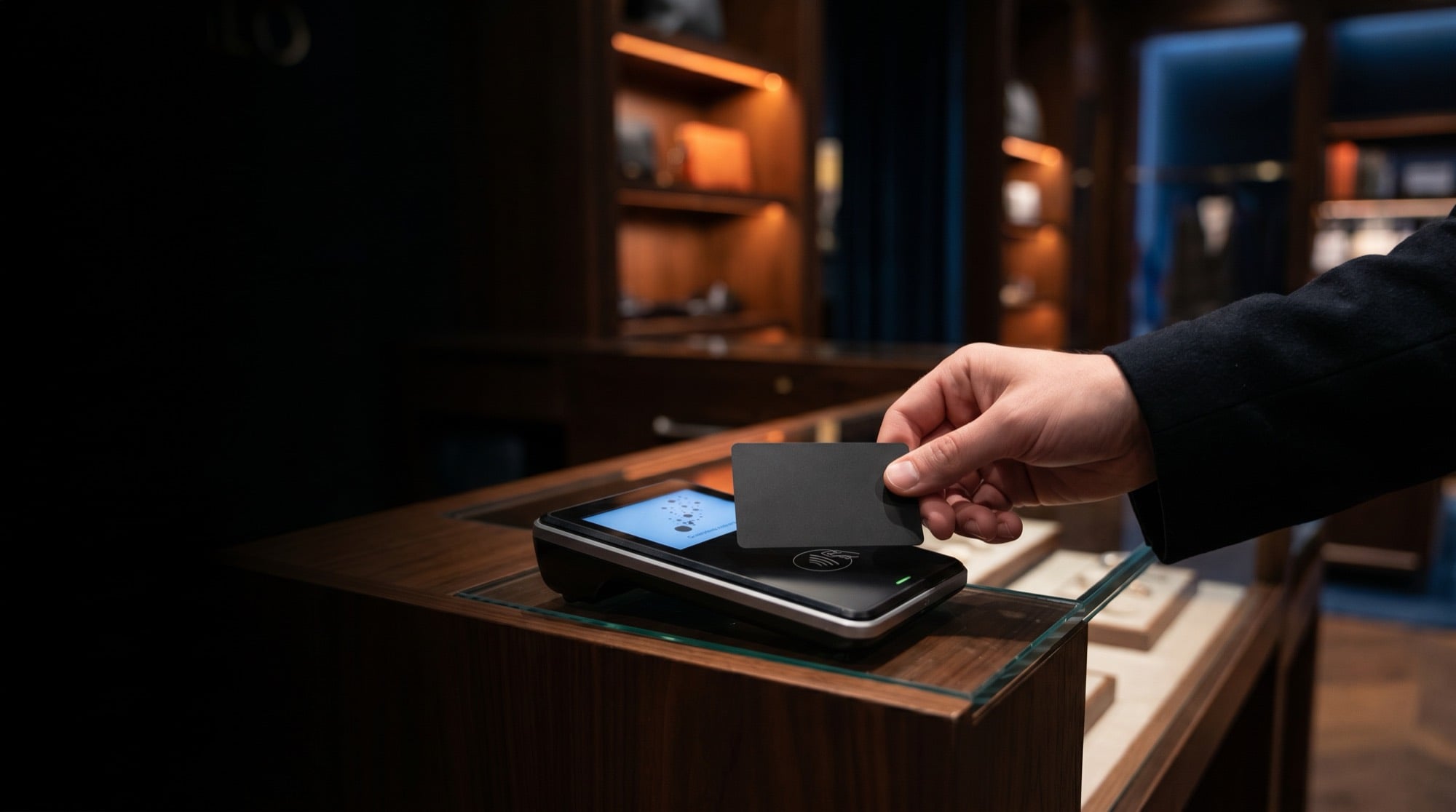
The sale closes at the table, not at the register.
For the restaurant, bar or retail floor where staff serve away from the counter. The payment is taken where the customer is standing, before the queue builds or they change their mind, with the tip prompt in front of them.
Explore Handheld
- Faster tables and shorter queues at 8pm
- The tip asked on the customer's screen, not across a counter
- Lasts a full shift on one charge, and reports with the counter and online
- Battery
- A full shift
- Takes
- Tap · chip · swipe · scan
- Receipt
- Printed or to their phone
Get paid on the job, before you leave.
A reader and the phone you already own. For the plumber, the detailer, the market stall, the food truck. The job ends with a payment, not an invoice you chase for thirty days.
- Paid before you leave the job, not thirty days later
- Runs on mobile data when there is no wifi at the event
- Receipt by text, and the day's sales in the same report as the shop
- Works with
- iPhone and Android
- Connection
- Mobile data or wifi
- Receipt
- Text or email
The right hardware for where the customer stands.
Walk us through your floor
Fixed register, table-side, out in the aisle, on the job, or no staff at all. A person picks with you.
It arrives set up
Your items, your prompts, your receipt wording and any signs, loaded before it ships. A new hire rings it up right on day one.
Plug it in and take the money
Tap, chip, swipe and scan-to-pay, and it keeps selling if the internet drops.
One report, every channel
The counter, the floor, the van and the website in the same place, so the day adds itself up.
Serve the peak-hour queue without adding staff.
For the quick-service counter, the cinema, the clinic front desk, the car wash. Customers order and pay themselves, so orders go in right and staff go where they matter. We watch and update the unit from here.
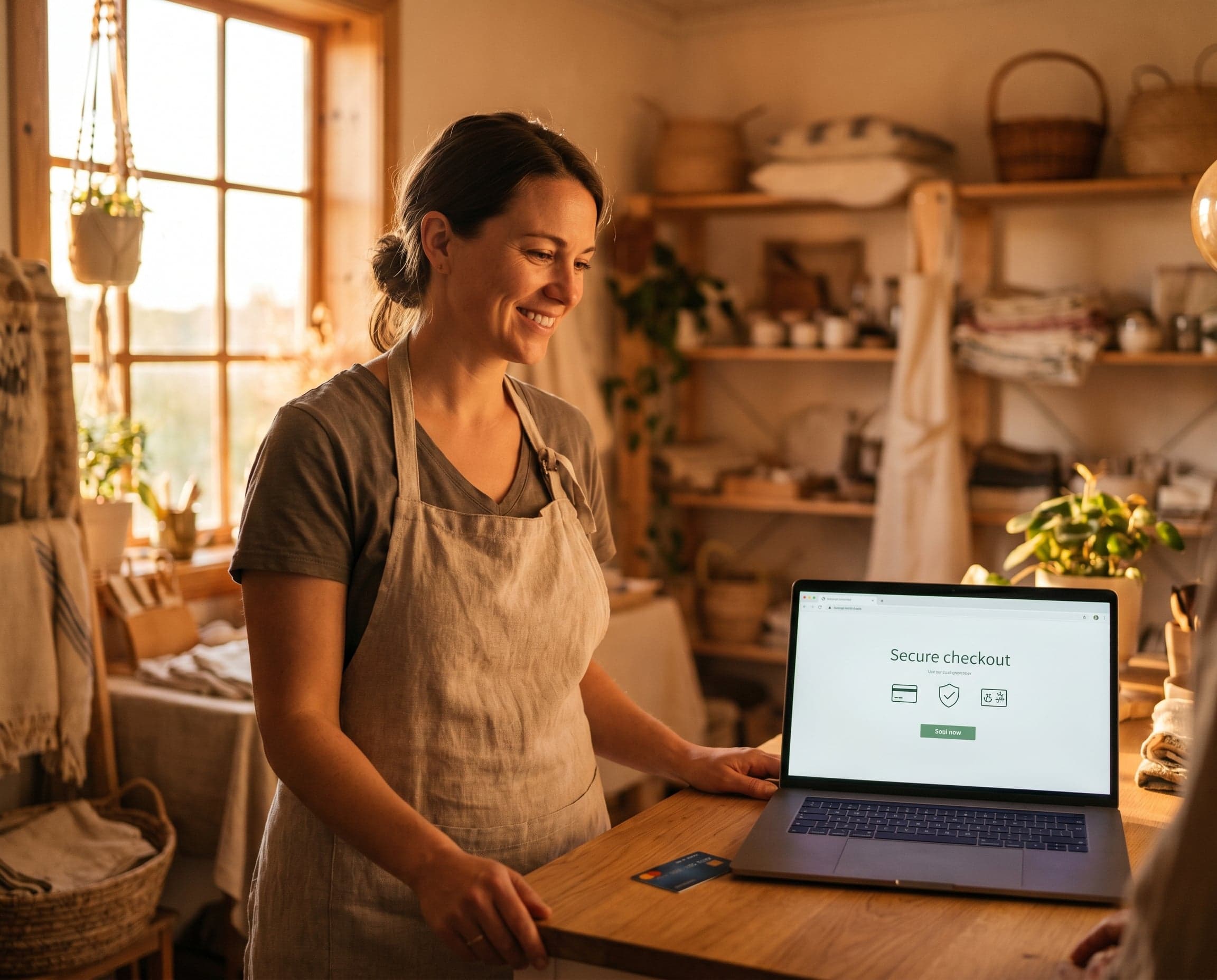
- More orders at peak with the same staff
- Fewer orders keyed wrong, because the customer enters their own
- Usable by everyone, and watched and updated remotely
- Used for
- Self-service order and pay
- Access
- Usable by everyone
- Support
- Watched and updated remotely
The register that keeps taking money through the rush.
For the grocery, liquor store, bakery or café with a fixed counter that takes cash as well as card. Screen, drawer and printer, wired in. The customer sees the total, the tip is asked on their screen, and the drawer has a record of when it opened.
- Includes
- Screen · drawer · printer
- Connection
- Wired
- Tips
- Asked on the customer's screen
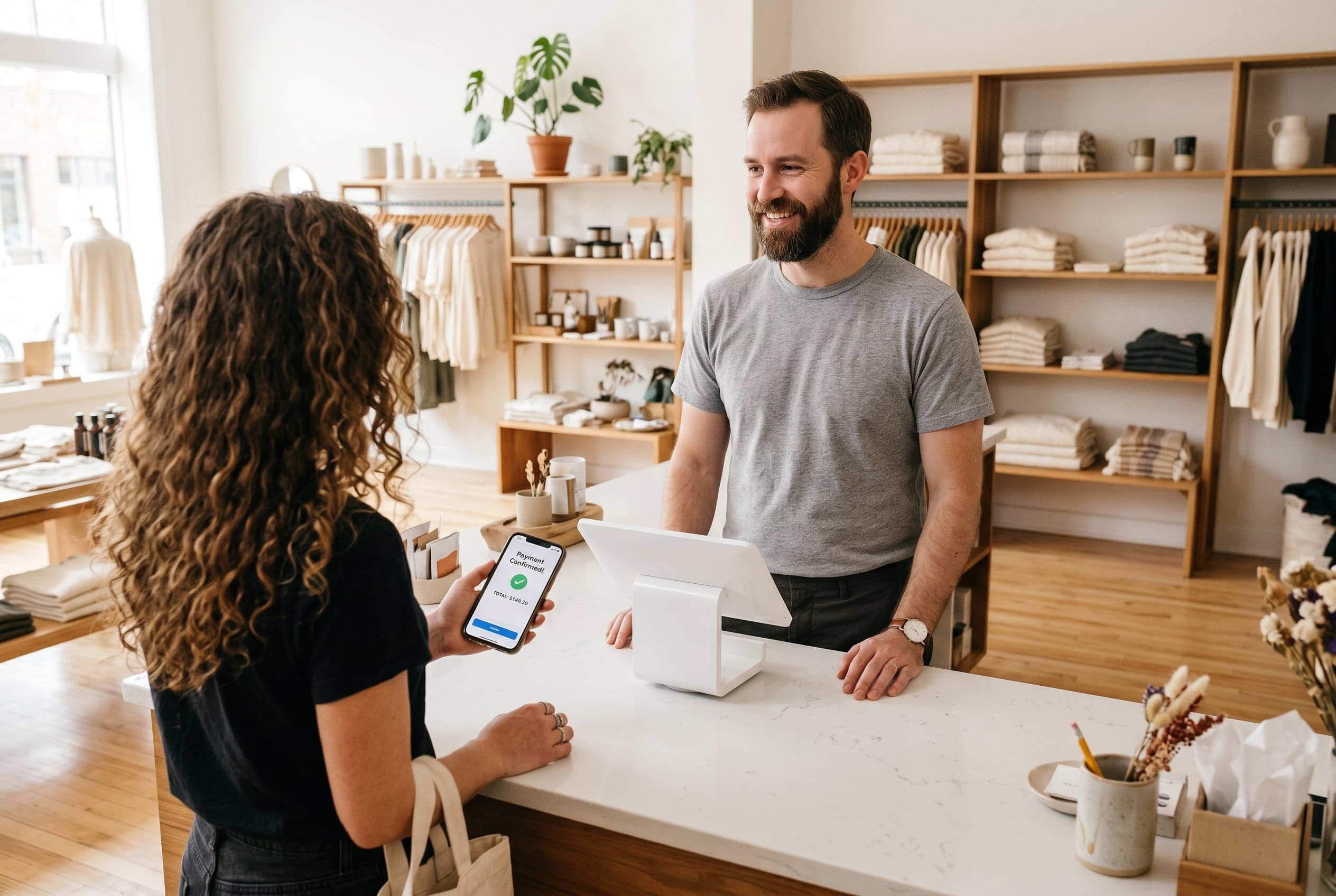
- Wired, so the counter does not stop when the wifi does
- A customer-facing screen for the total and the tip, so nobody turns a handheld around
- Cash drawer and receipt printer, with per-register and per-staff totals
Trusted & Certified