What changes for you
More orders at peak, with the staff you have.
The people who would have left the line stay
A second place to order at the hour that costs you sales. The customer who looks at the queue and walks has somewhere to go instead.
Orders come out the way they were ordered
The customer picks the size, the add-ons and the options themselves, so less is misheard and less gets remade.
Your staff make instead of take
The person who was keying orders at peak is now on the line, the desk or the wash bay, where the work is.
From tap to deposit
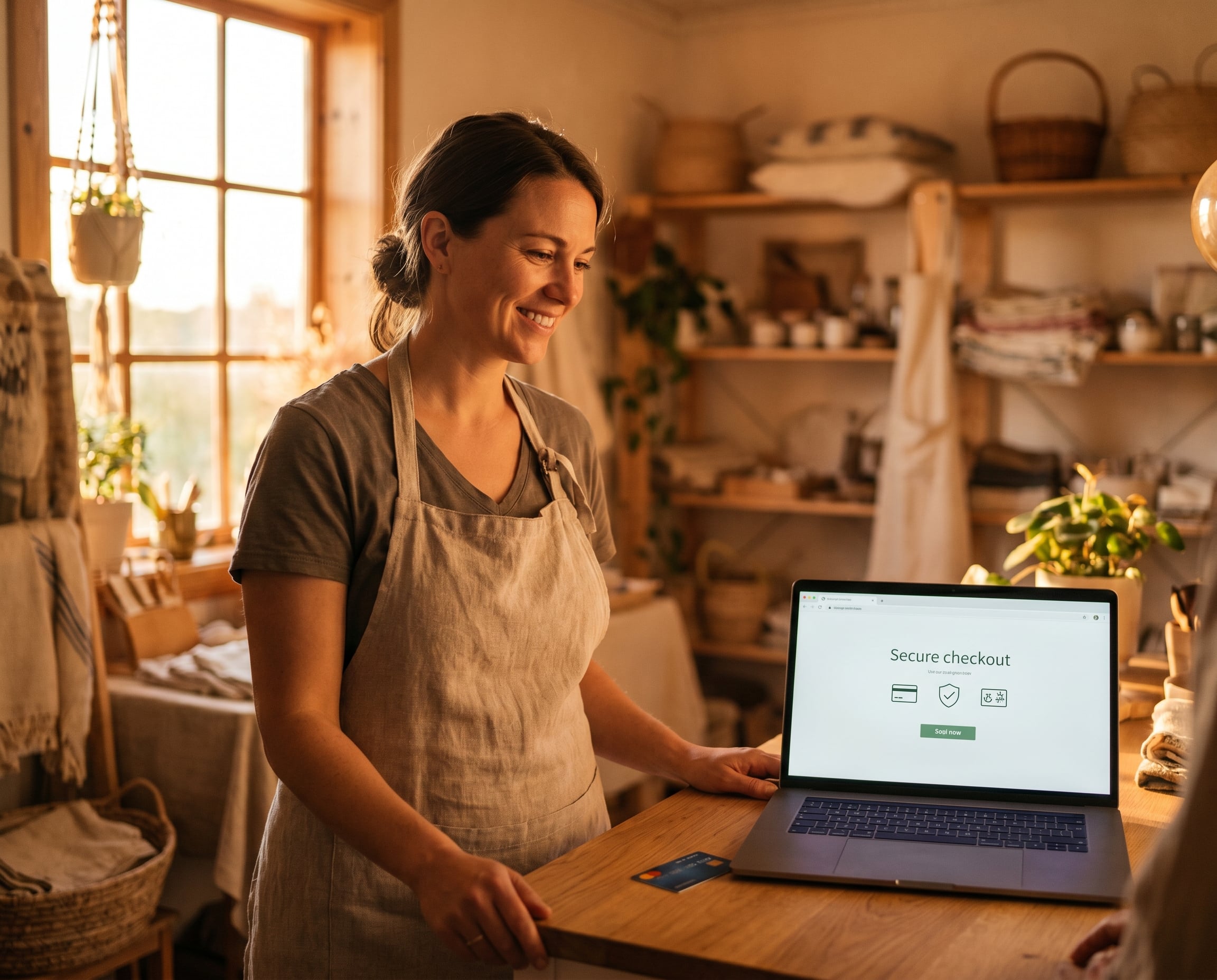
From their tap to your deposit, nobody standing there.
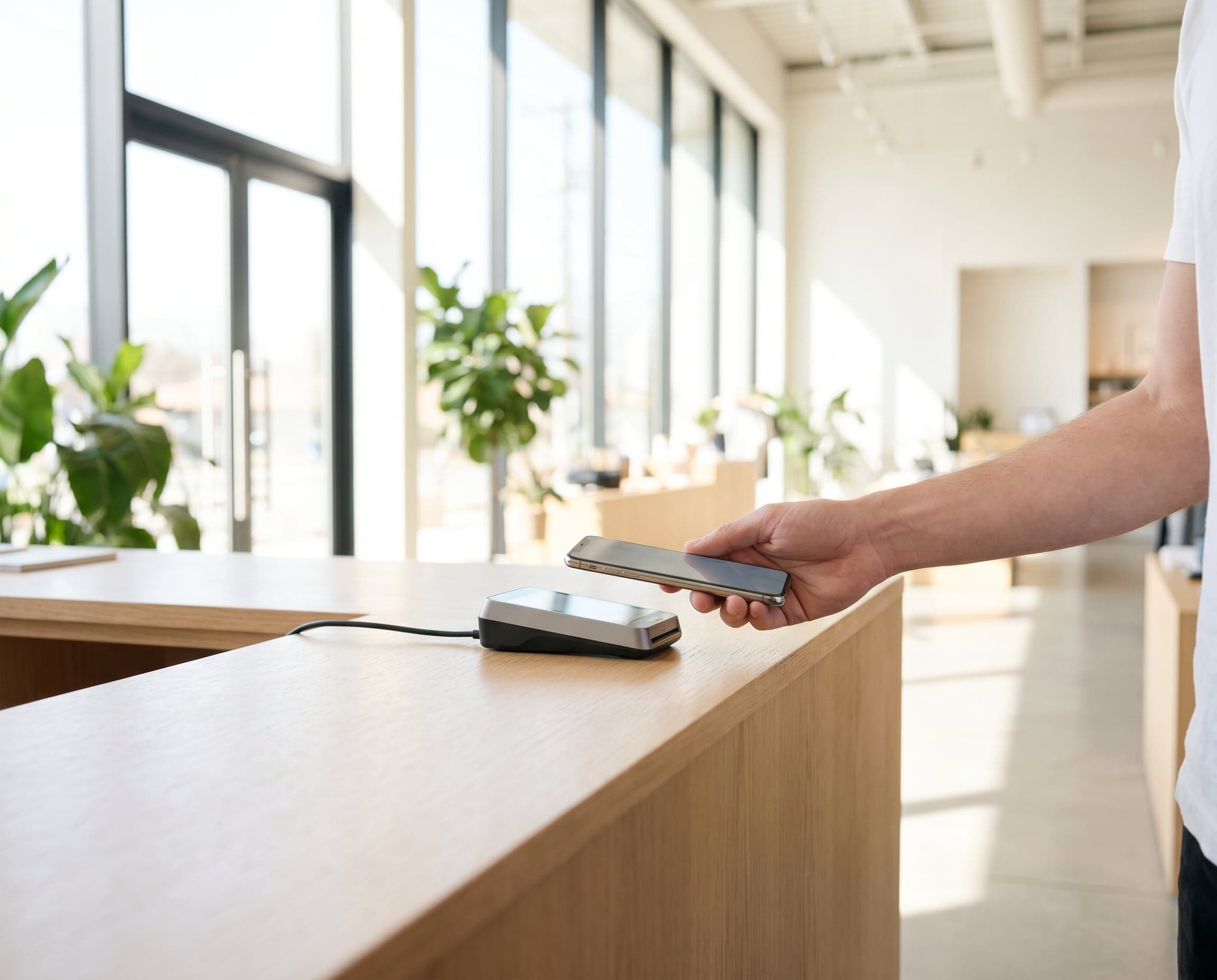
It runs the same item list as your counter and takes card and contactless. If a unit drops offline, we see it from here.
The customer orders and pays on the screen, with no staff standing at it.
01
We load your item list
Items, options and prices, matched to your counter. Change a price once and both show it.
02
We install it where the queue forms
Placement, power and connection handled by us. You point at the spot.
03
Customers order and pay themselves
Card and contactless on an accessible screen. The order goes straight to your staff.
04
The money lands with everything else
Kiosk sales in the same deposit and the same report as the counter. We watch the unit and push updates without a visit.
Is it right for you
When a kiosk earns its floor space.
A good fit if
- The line peaks at the same time every day: lunch, showtime, opening
- Your order has options: sizes, add-ons, a package, a form to fill in
- You have room for a unit and one customer standing at it
Probably not if
- Your queue is short and steady. A mini as a second register clears it and takes up less room.
- Your sale needs a conversation before the customer knows what to order. Keep a person in front of them.
- You cannot give up the space. A mini takes a corner of the counter instead.
The hold-up is the ordering, not the making.
Give the queue a second place to order and the same staff serve more people in the same hour.
Sits next to
The counter it takes the pressure off.
Trusted & Certified